
NCD800 Image Adjustment

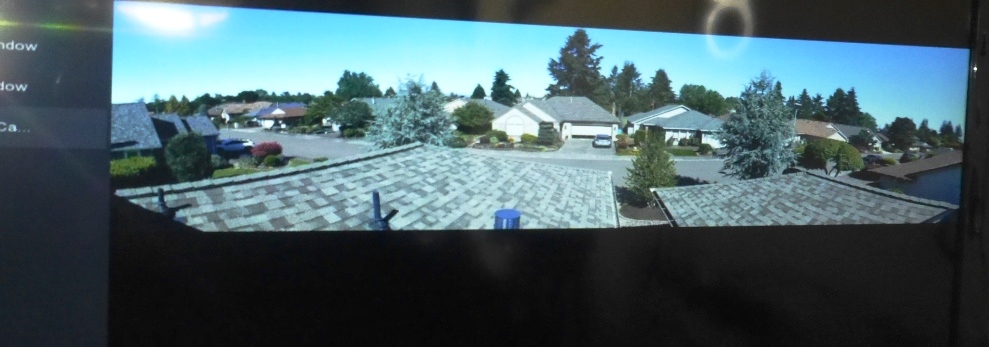
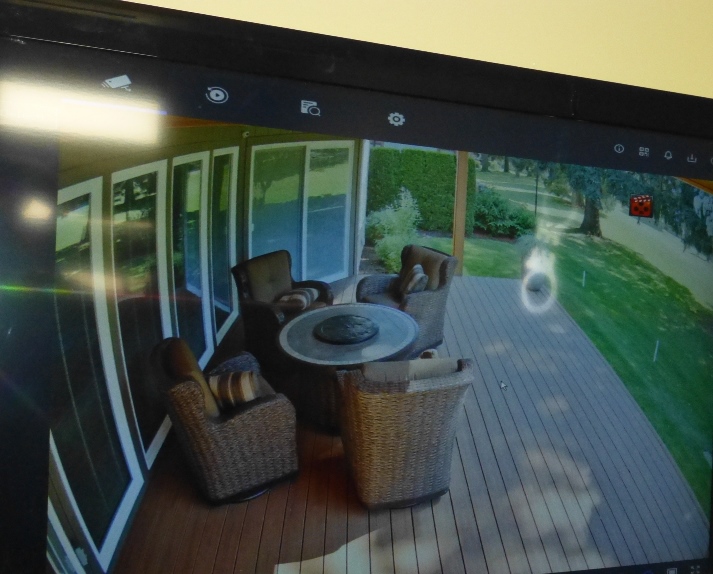
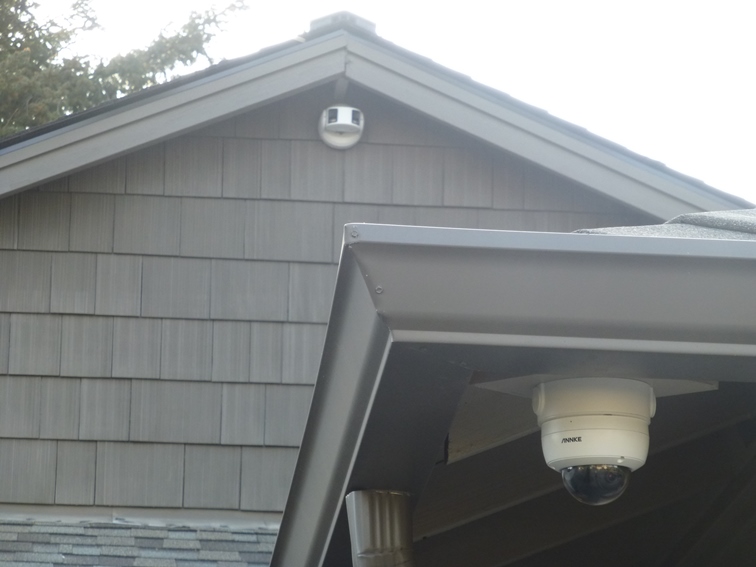
Owner of ANNKE NCD800 180° NightChroma connected to an ANP800 8 Channel PoE NVR and (8) C800 4K IP camera locations. The system runs per expectations. However the image on my dedicated 48 inch TV monitor from the NCD800 camera is skinny and remains skinny (elongated) even when running all the other C800 cameras on full screen. And which do look perfectly OK! How do I get the NCD800 picture and or image to show on full screen. Thanks.
-

Dear Customer,
Have a nice day.
If your 48-inch monitor supports 4K resolution, please change the HDMI output of the NVR to 4K output. Due to the different resolution ratios, there will be borders when the dual lens 4K IP camera is connected to the NVR, regardless of the main stream or the sub-stream. However, when connected to an ordinary 4K IP camera(3840*2160), it will always be displayed in full screen. And if you have any question, do not hesitate to contact us support@annke.com.
Best regards!
Sandy | Technical Support
Please sign in to leave a comment.
Comments
1 comment