
Can I set my recorder to detect cats, foxes etc.

-

Dear Customer,
Have a nice day.
Could you please tell us the model number of your system and camera? Then we can give you a solution accordingly.
You can find the model number on the backside of the DVR/NVR/camera, or on the side of the camera.
Here are some pictures to show you how to find the model number.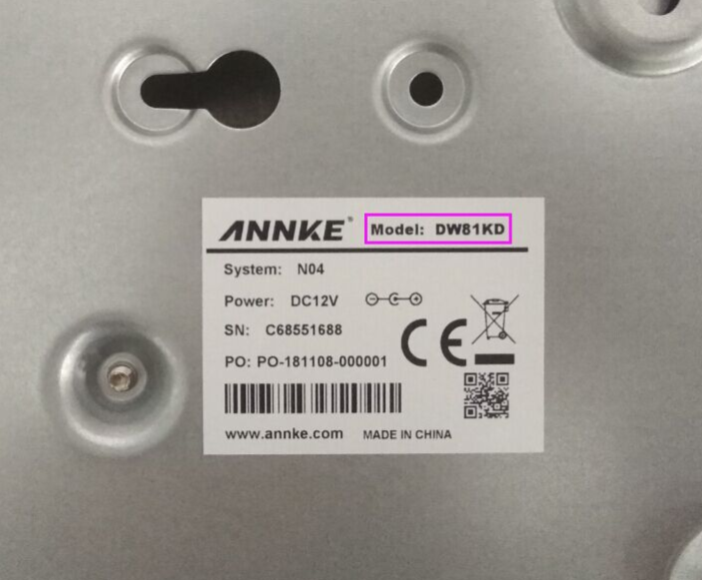
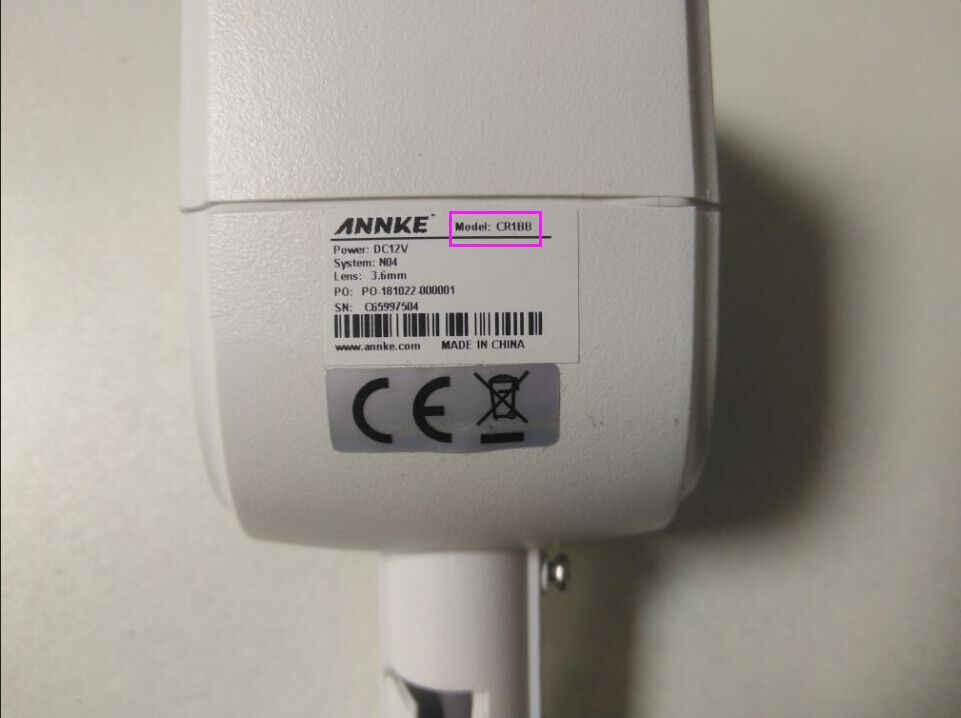
Looking forward to hearing from you to help further.
And if you have any questions, do not hesitate to contact us at support@annke.com.
Best regards!
Echo | Technical Support
-
Dear Customer,
Have a nice day.
Thank you for sharing your DVR model.
For the DW81KN, it supports human (people) and vehicle detection. It does not include a dedicated animal detection feature (e.g., cats or foxes).
If you want to detect animals, we recommend using the motion detection setting.
This way, DVR will detect all movement within the detection area you set.
Here’s how you can optimize motion detection to capture animal movement:
Enable motion detection: Turn on motion detection and define the detection zones to cover the areas where animals are likely to appear.
Adjust sensitivity: Start with a moderate sensitivity setting and increase if you notice missed movements, but be mindful of false alerts.And if you have any questions, do not hesitate to contact us at support@annke.com.
Best regards!
Echo | Technical Support
Please sign in to leave a comment.
Comments
3 comments