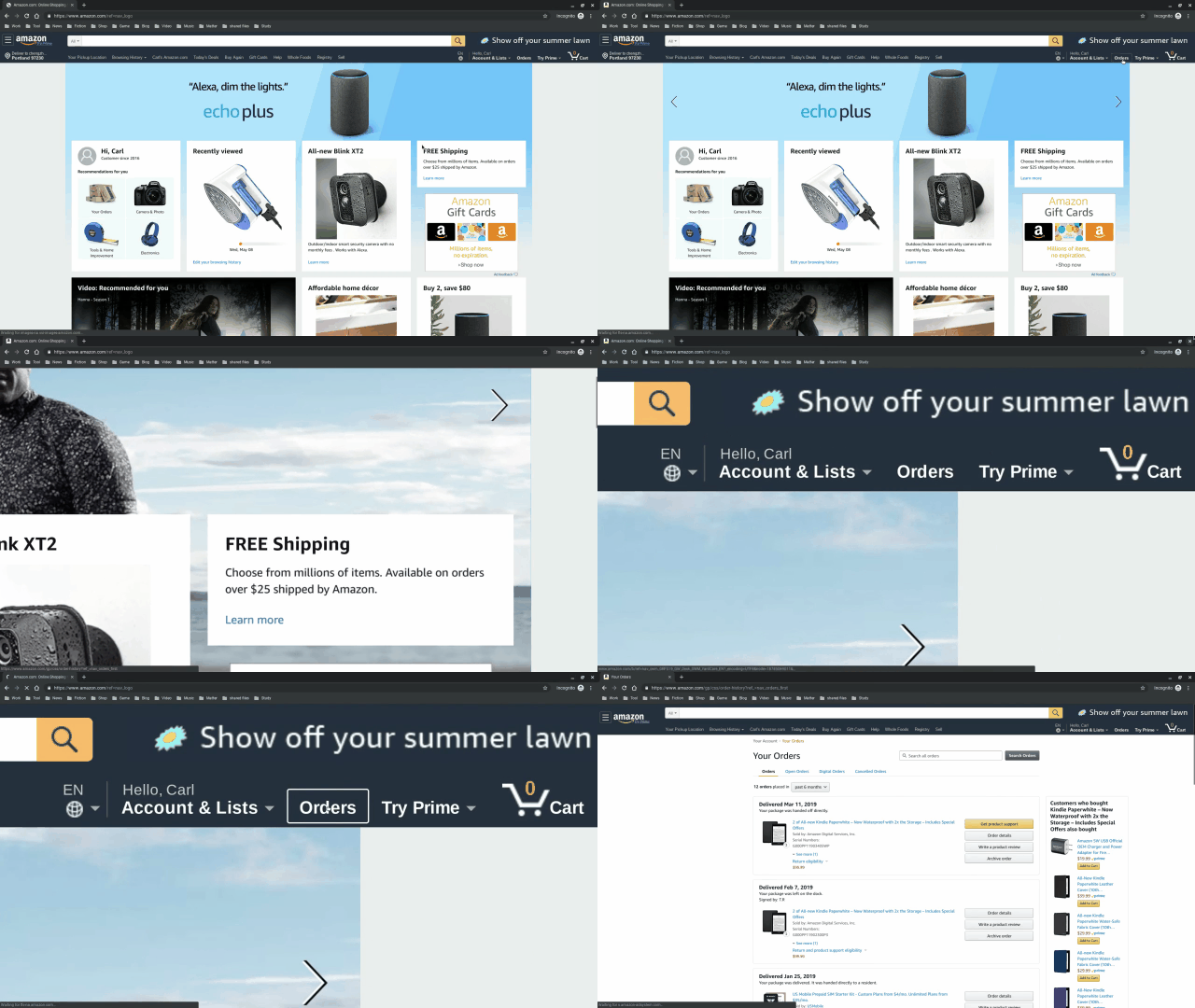
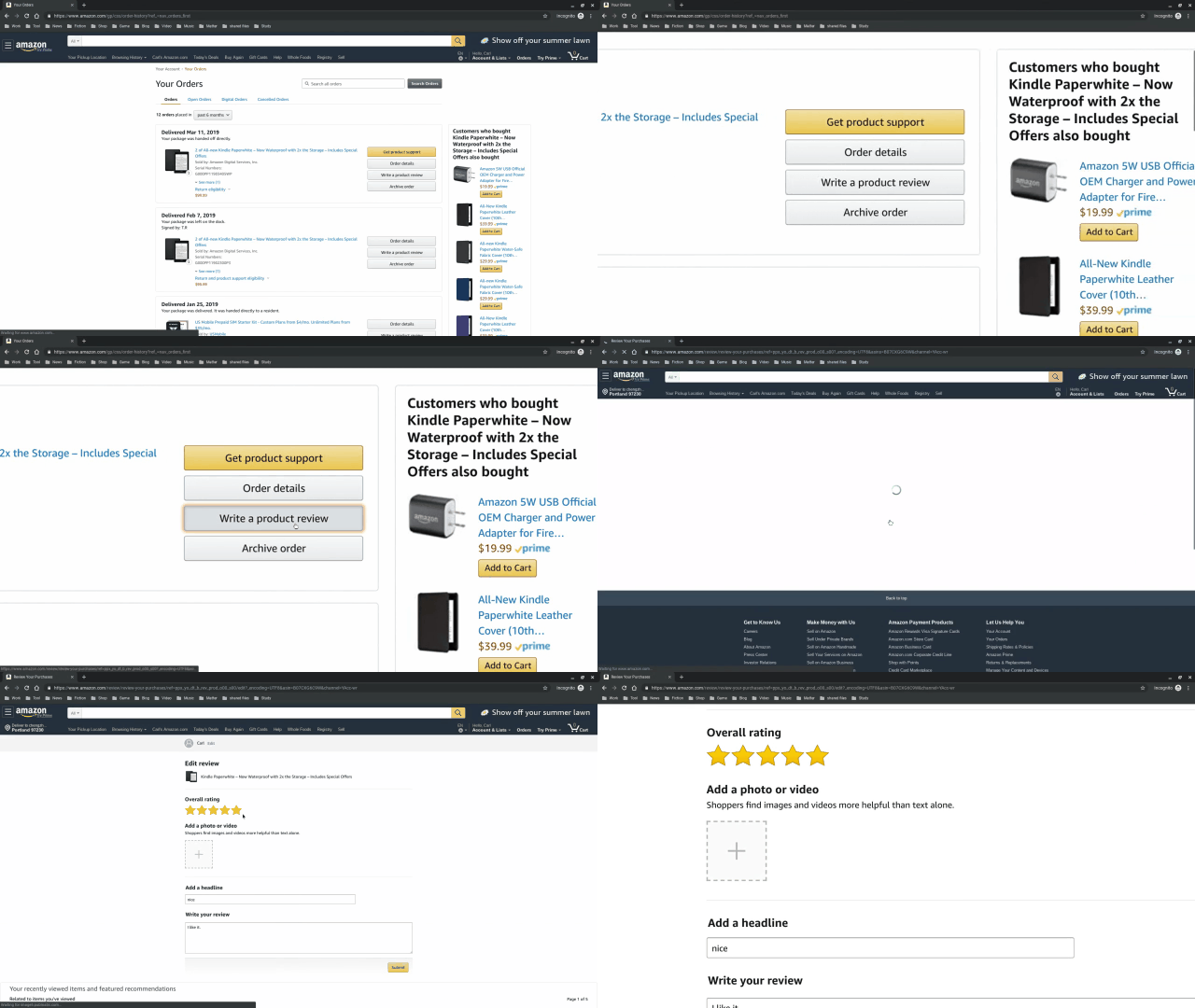
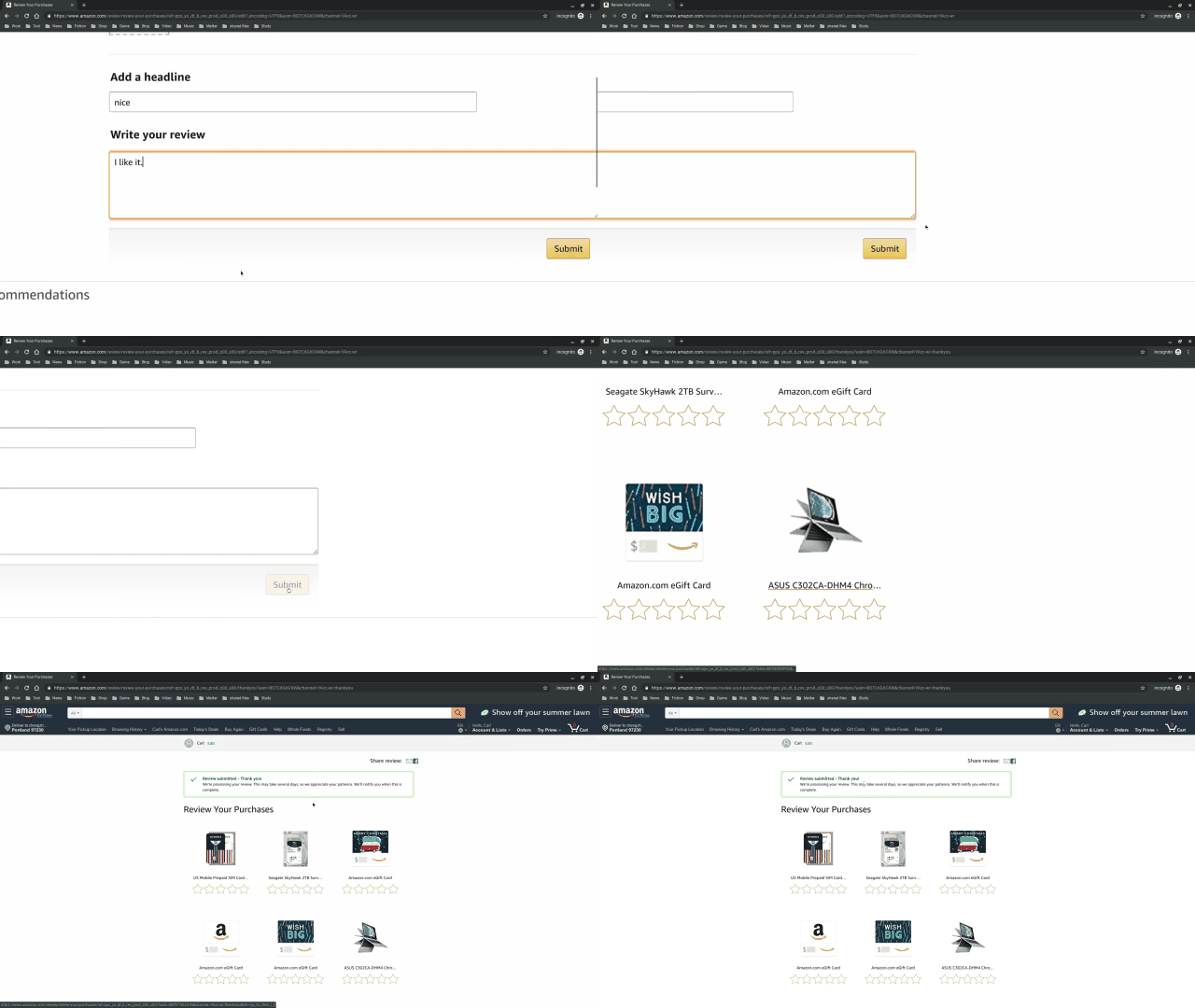
How to Write a Review on Amazon? Andy April 24, 2021 07:28 Updated Follow Here are the steps to submit a review: Go to the Orders page on Amazon. Find the order and click Write a customer review in the Customer Reviews section. Click Submit. Related articles ANNKE Warranty and Return Policy How to Format HDD on Annke DVR/NVR? Annke Vision - How to Delete The Device on Annke Vision? How to Get a Valid URL & Screenshot of Your Product Review from Amazon? New User Help! Comments 0 comments Article is closed for comments.


Comments
0 comments
Article is closed for comments.