
Applied to All ANNKE orders.
You may refer to the steps below if you want to add a new address.
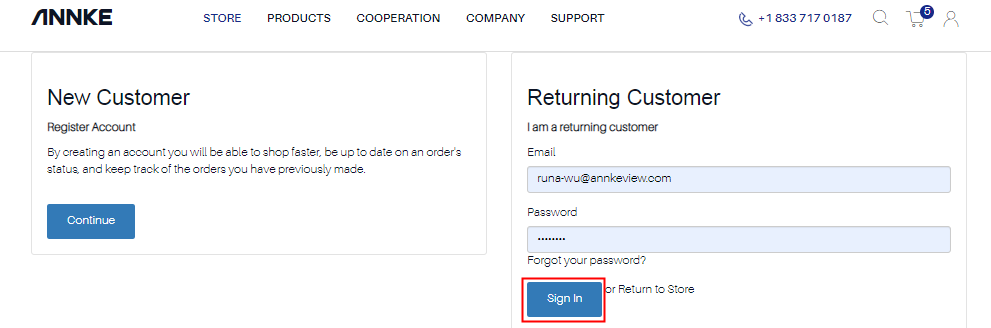
Step 1. Log into your account.
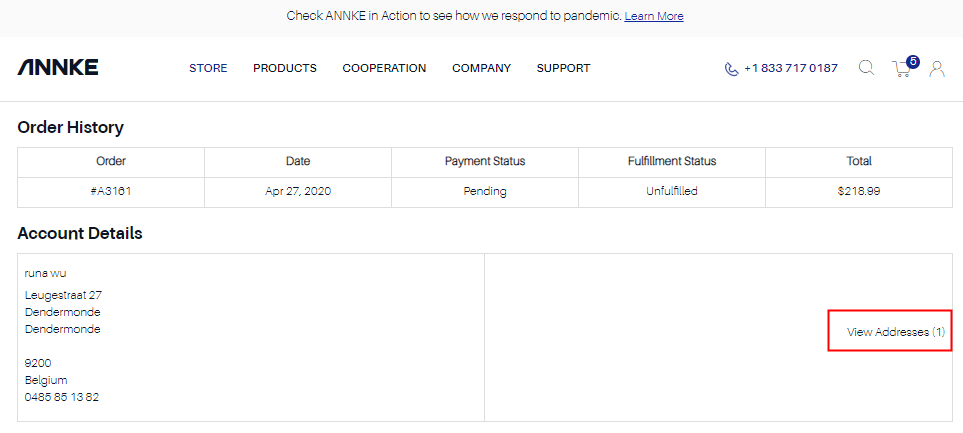
Step 2. Click” View Address” to see your address information.
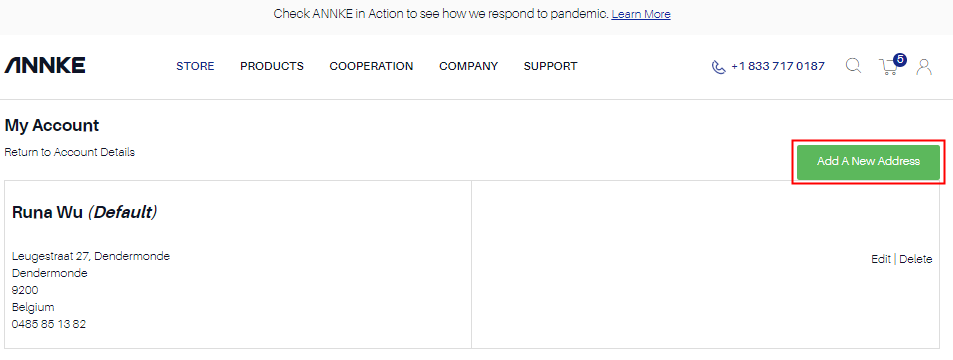
Step 3. Click Add A New Address to add your new address.

Applied to All ANNKE orders.
You may refer to the steps below if you want to add a new address.
Step 1. Log into your account.
Step 2. Click” View Address” to see your address information.
Step 3. Click Add A New Address to add your new address.
Comments
0 comments
Please sign in to leave a comment.